

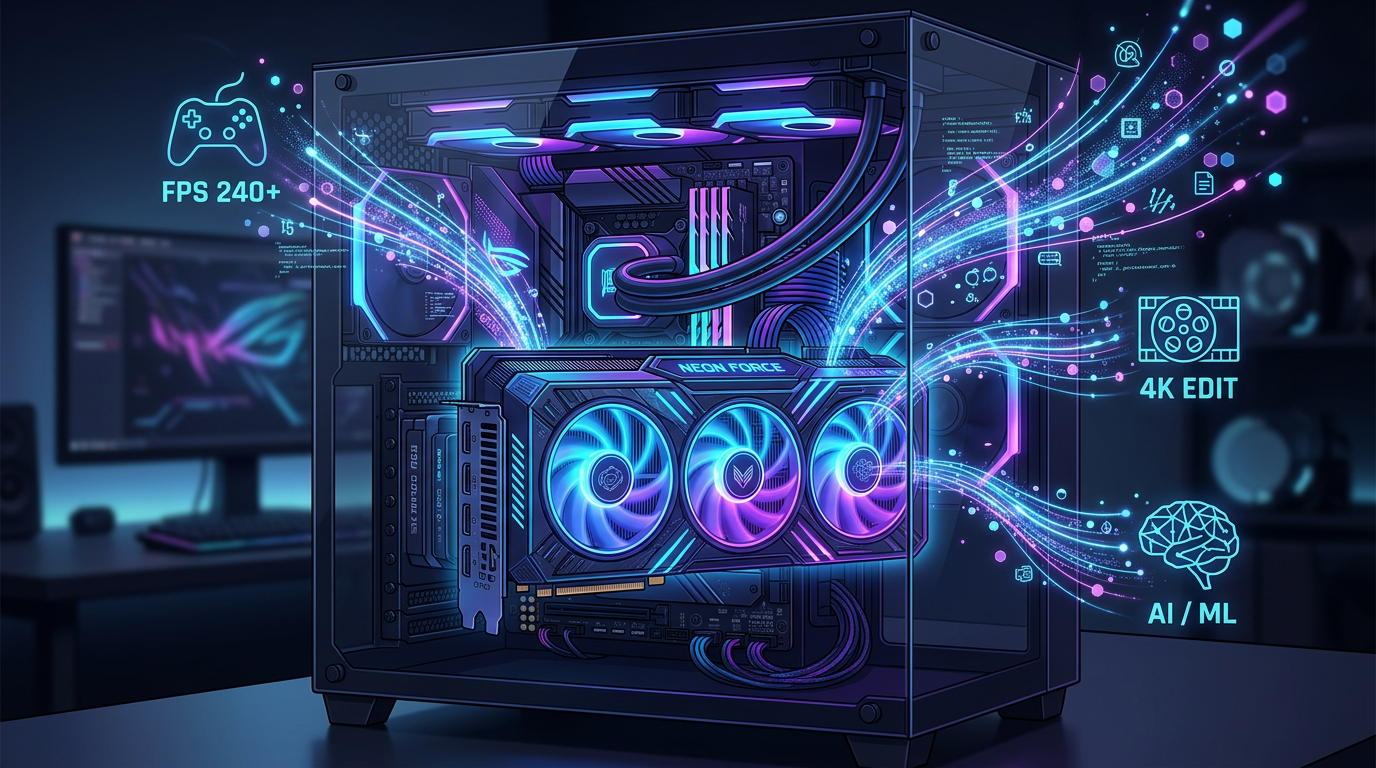
If you’ve ever played a video game, watched a high-definition movie, or used design software, you’ve benefited from a GPU, even if you didn’t realize it. GPUs, or Graphics Processing Units, are a core part of modern computing, responsible for handling visuals and increasingly much more. For beginners in IT, understanding what a GPU does can unlock a clearer picture of how computers work overall. In this article, we’ll break it down in a simple, practical way so you can confidently understand what a GPU is and why it matters.
A Simple Explanation
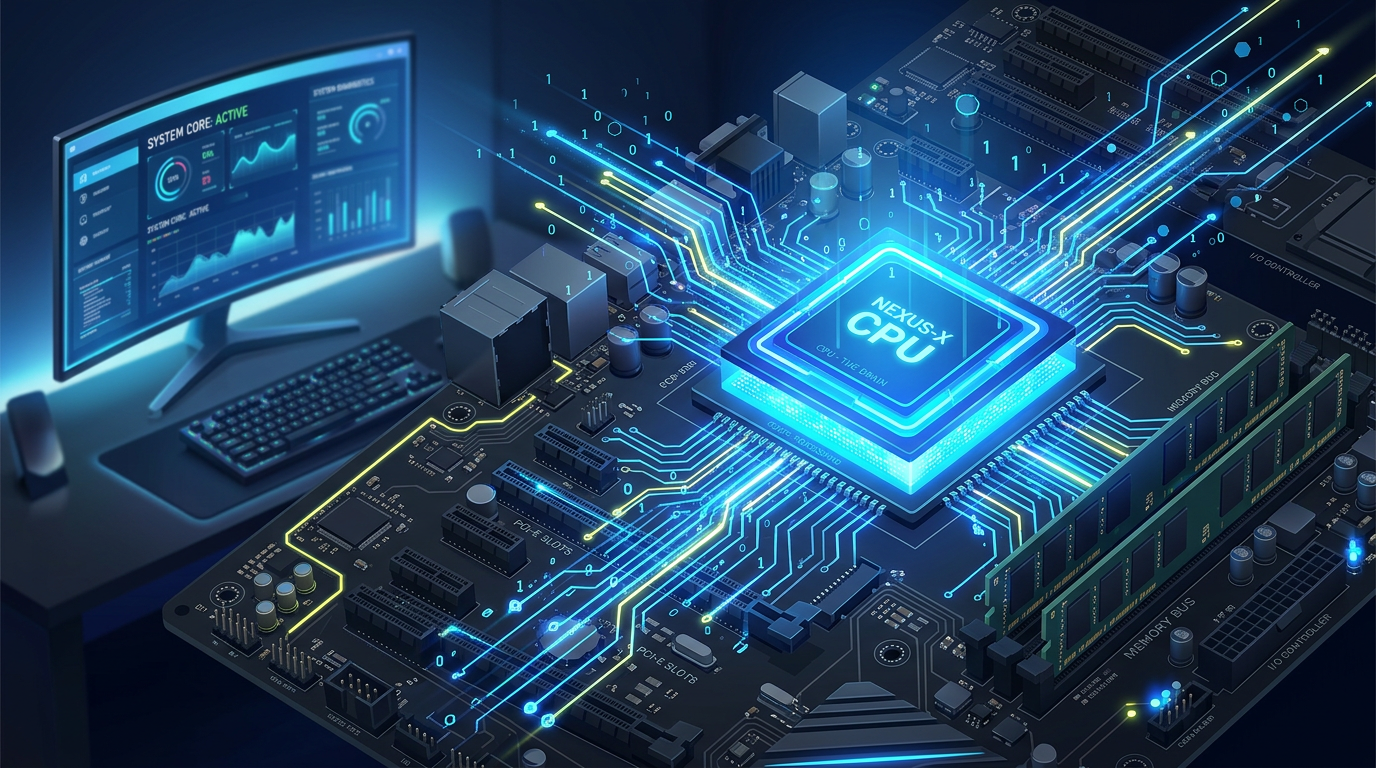
A GPU (Graphics Processing Unit) is a specialized processor designed to handle images, videos, and visual output. It works alongside the CPU (Central Processing Unit), which is the “brain” of the computer responsible for general tasks.
Think of it like this:
- The CPU is a manager handling many different tasks one at a time.
- The GPU is a team of workers all doing similar tasks at the same time.
GPUs are built for parallel processing, meaning they can perform many calculations simultaneously. This makes them incredibly efficient at rendering graphics, where thousands or millions of pixels need to be processed at once.
A GPU is typically found on a graphics card, which is a physical component installed in a computer. Some CPUs also include integrated GPUs, which are built into the processor itself but are generally less powerful than dedicated graphics cards.
How GPUs Work (In Plain Terms)
When you open a game or video, your computer needs to convert data into images on your screen. The GPU takes raw data (like shapes, textures, and lighting instructions) and turns it into the visuals you see.
For example, when rendering a 3D game:
- The CPU tells the GPU what needs to be drawn.
- The GPU calculates how objects look (lighting, shadows, textures).
- The GPU sends the finished image to your monitor.
Because GPUs can handle many calculations at once, they can process complex visuals quickly and smoothly.
Real-World Examples of GPUs in Action
- Gaming
Modern video games rely heavily on GPUs. When you see realistic characters, detailed environments, and smooth animations, that’s the GPU doing the heavy lifting. A stronger GPU means better graphics quality and higher frame rates. - Streaming and Video Playback
Watching Netflix, YouTube, or any high-definition video involves GPU acceleration. The GPU helps decode video streams efficiently so playback is smooth without overloading the CPU. - Graphic Design and Video Editing
Programs like Adobe Photoshop, Premiere Pro, and Blender use GPUs to render images and videos faster. Tasks like applying effects, rendering animations, and exporting videos benefit greatly from GPU power. - Artificial Intelligence (AI)
GPUs are widely used in AI and machine learning because they can process massive datasets in parallel. Training AI models would take far longer without GPUs. - Everyday Computing
Even simple tasks like moving windows, scrolling web pages, or using animations in apps often involve the GPU, especially in modern operating systems.
Dedicated vs Integrated GPUs
There are two main types of GPUs:
- Integrated GPU (iGPU)
Built into the CPU
Uses system memory
Good for basic tasks like browsing, streaming, and office work - Dedicated GPU (dGPU)
Separate hardware (graphics card)
Has its own memory (VRAM)
Designed for gaming, design, and heavy workloads
If you’re just browsing the web or using office apps, an integrated GPU is usually enough. But for gaming, editing, or AI tasks, a dedicated GPU is much more powerful.
Why GPUs Matter
Understanding GPUs is important because they impact performance in many areas of computing. Here’s why they matter:
- Performance Boost
A good GPU can dramatically improve how fast and smoothly applications run, especially graphics-heavy ones. - Better Visual Quality
Higher-end GPUs support better textures, lighting, and resolutions, making visuals more realistic. - Efficiency in Specialized Tasks
GPUs excel at tasks involving large-scale calculations, such as rendering, simulations, and AI processing. - Future-Proofing Your System
Software is increasingly designed to take advantage of GPU power. Having a capable GPU ensures your system stays relevant longer. - Essential for Emerging Technologies
Technologies like virtual reality (VR), augmented reality (AR), and AI rely heavily on GPU performance.
In short, GPUs are no longer just for gamers, they are essential components in modern computing.
Common Misconceptions
- “The CPU does everything.”
While the CPU is important, many tasks are offloaded to the GPU for efficiency. - “You only need a GPU for gaming.”
Not true. GPUs are used in video editing, AI, engineering simulations, and even web browsing. - “More expensive always means better.”
Not necessarily. The right GPU depends on your needs. A beginner doesn’t need a high-end gaming GPU.
Key Terms to Know
- GPU (Graphics Processing Unit): A processor designed for rendering images and handling parallel tasks
- Graphics Card: The physical hardware that contains a GPU
- VRAM (Video RAM): Memory used by the GPU to store textures and image data
- Integrated GPU (iGPU): A GPU built into the CPU
- Dedicated GPU (dGPU): A standalone graphics card with its own resources
- Rendering: The process of generating an image from data
- Frame Rate (FPS): The number of frames displayed per second
- Resolution: The number of pixels displayed on the screen (e.g., 1080p, 4K)
- Parallel Processing: Performing many calculations at the same time
- Ray Tracing: A technique for realistic lighting and shadows in graphics
Final Thoughts
A GPU might seem like a niche component at first, but it plays a huge role in how modern computers function. From gaming and video streaming to AI and design, GPUs are everywhere. For beginners in IT, understanding the role of a GPU helps build a stronger foundation for learning how systems perform and how to choose the right hardware.
As technology continues to evolve, GPUs are becoming even more important, not just for visuals, but for powering the future of computing itself. Whether you’re building a PC, choosing a laptop, or just learning the basics, knowing what a GPU does is a big step forward.





Comments (0)