

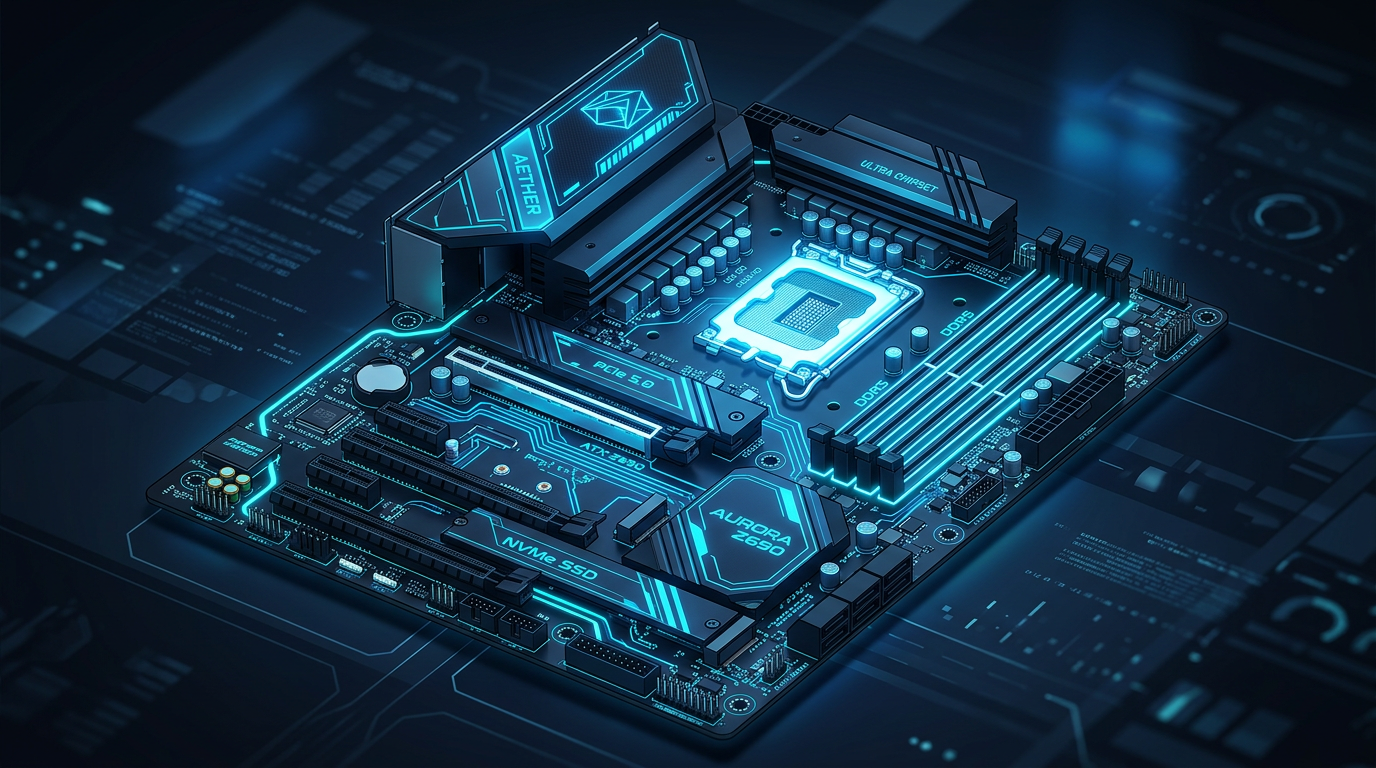
If you’ve ever looked inside a computer, you’ve likely seen a large board filled with chips, slots, and connectors. That’s the motherboard, the backbone of the entire system. It plays a critical role in connecting all the components and allowing them to work together. For anyone new to IT, understanding the motherboard is a key step toward understanding how computers function as a whole.
In this guide, we’ll explain what a motherboard is, how it works, why it matters, and introduce important concepts like form factors and key terminology.
A Simple Explanation
A motherboard is the main circuit board in a computer. It connects all the essential components, such as the processor (CPU), memory (RAM), storage devices, and peripherals, so they can communicate with each other.
Think of it like a transportation system:
- The motherboard is the network of roads.
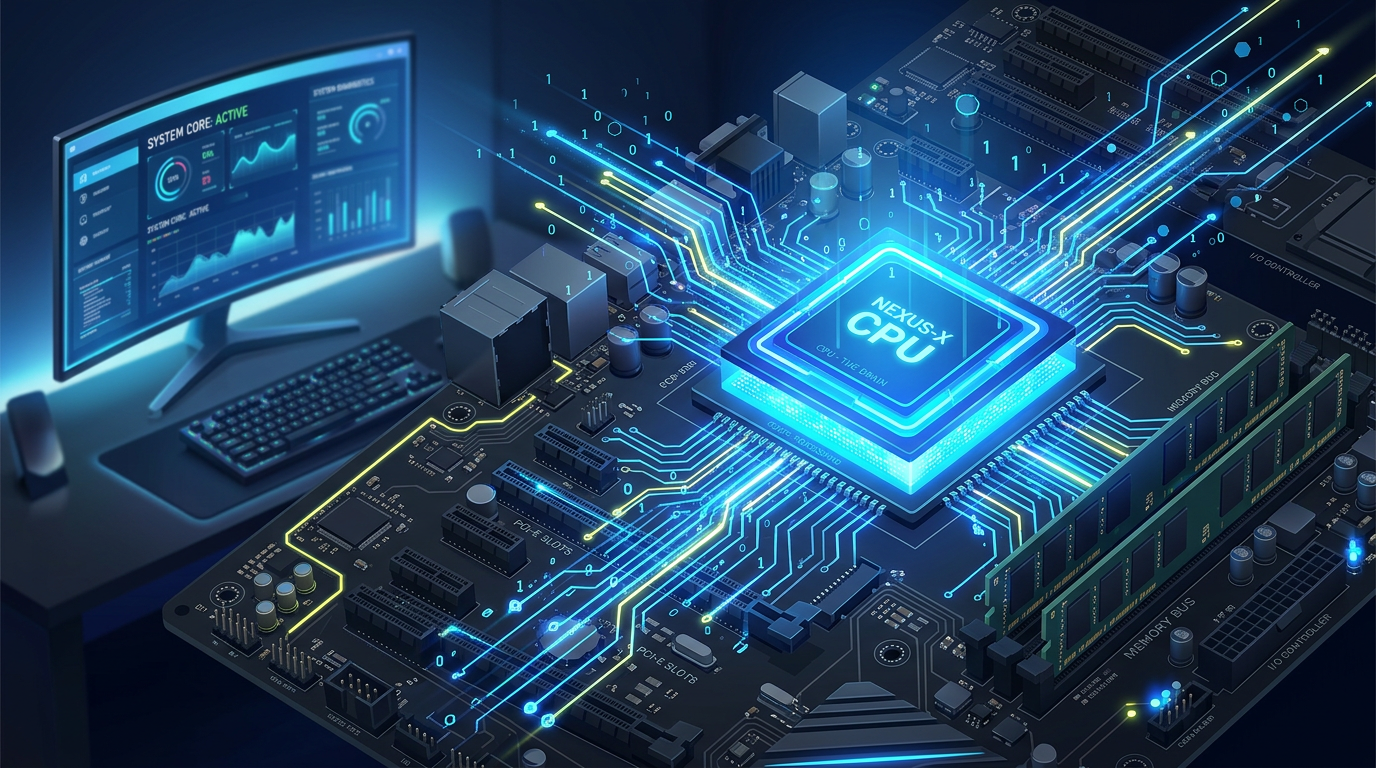
- The CPU is the decision-maker.
- RAM is temporary workspace.
- Storage is long-term memory.
Without the motherboard, these parts would not be able to interact, and your computer wouldn’t function.
What Does a Motherboard Do?
The motherboard has several important responsibilities:
- Connects hardware components so they can work together
- Allows communication through electrical pathways called traces
- Distributes power from the power supply to all parts
- Provides input/output connections for devices like keyboards, monitors, and USB drives
It essentially acts as the central platform that everything else relies on.
Real-World Examples
Desktop Computers
Desktop motherboards are larger and designed for flexibility. You can upgrade components like RAM, graphics cards, and storage easily.
Laptops
Laptop motherboards are compact and often have components built in. This saves space but limits upgrade options.
Smartphones and Tablets
These use highly integrated motherboards (often called logic boards), where most components are permanently attached.
Servers
Server motherboards are built for performance and reliability. They can support multiple CPUs, large amounts of RAM, and continuous operation.
Motherboard Form Factors (Sizes and Layouts)
One important concept in understanding motherboards is form factor. This refers to the size, shape, and layout of the motherboard, which determines what kind of case it fits in and how many components it can support.
Here are the most common form factors:
- ATX (Advanced Technology eXtended)
The most common size for desktop computers. Offers plenty of expansion slots and connectors, making it ideal for gaming PCs and workstations. - Micro-ATX (mATX)
Smaller than ATX but still offers good expandability. Often used in budget builds or smaller desktop cases. - Mini-ITX
A compact motherboard designed for small form factor PCs. It has fewer expansion options but is great for space-saving setups. - E-ATX (Extended ATX)
Larger than standard ATX. Typically used in high-end systems and servers that require more components and power. - Nano-ITX and Pico-ITX
Very small form factors used in embedded systems and specialized devices like industrial machines or IoT hardware.
Why form factors matter:
- They determine what case you need
- They affect how many components you can install
- They influence cooling and airflow
- They impact how portable or compact your system can be
Why the Motherboard Matters
The motherboard isn’t just a connector, it directly affects your computer’s capabilities.
Compatibility
Each motherboard supports specific CPUs, RAM types, and components. Choosing the wrong one can make your system unusable.
Performance
It determines how much RAM you can install, what speeds are supported, and what types of storage you can use.
Expandability
More slots and ports mean more room for upgrades like GPUs, network cards, or additional storage.
Reliability
A well-built motherboard ensures stable operation. Lower-quality boards may lead to crashes or hardware failures.
Connectivity
Features like USB ports, Wi-Fi, Bluetooth, and Ethernet all depend on the motherboard.
Key Components on a Motherboard
Understanding the parts of a motherboard helps you see how everything connects:
- CPU Socket: Holds the processor
- RAM Slots (DIMM Slots): Install memory modules
- Chipset: Manages communication between components
- PCIe Slots: For graphics cards and expansion cards
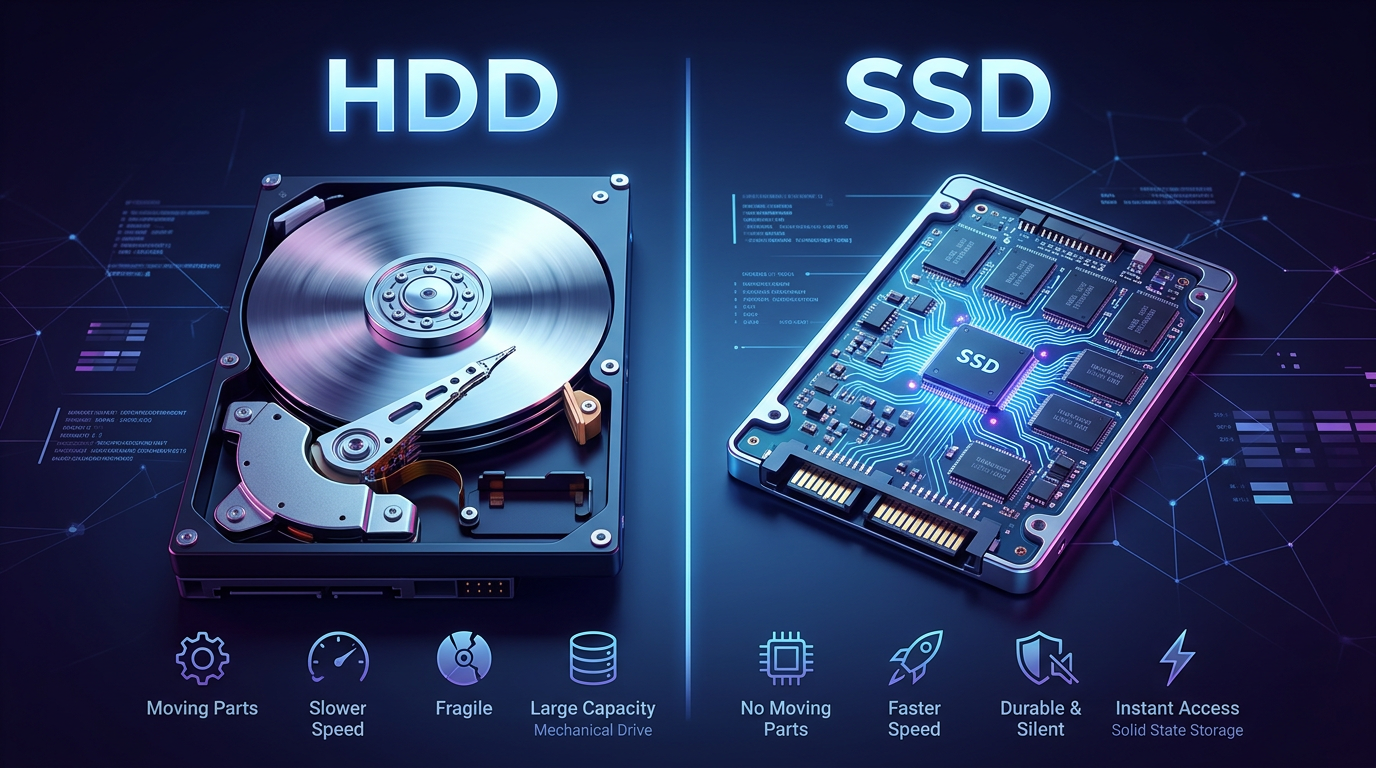
- SATA and M.2 Connectors: For storage devices
- Power Connectors: Supply electricity from the PSU
- I/O Ports: External connections like USB, HDMI, and audio
Key Terms to Know
- Form Factor: The size and layout of the motherboard (ATX, Micro-ATX, Mini-ITX)
- Chipset: Controls communication between CPU and other components
- BIOS/UEFI: Firmware that initializes hardware when the computer starts
- Socket Type: Determines which CPUs are compatible
- PCIe: Expansion interface for GPUs and other cards
- DIMM: Slots used for RAM
- SATA: Interface for traditional storage drives
- M.2: High-speed storage connector
- VRM: Regulates power delivery to the CPU
- I/O Panel: External ports for connecting devices
Bringing It All Together
The motherboard is the foundation of every computer system. It connects all components, manages communication, and ensures everything runs smoothly. While it might not get as much attention as flashy components like graphics cards, it plays a central role in determining performance, compatibility, and upgrade potential.
For beginners in IT, learning about motherboards, especially concepts like form factors—helps you understand how systems are built and how to make smart hardware decisions. Whether you’re troubleshooting, upgrading, or building a PC from scratch, the motherboard is at the center of it all.
If you want to deepen your understanding, try looking at a motherboard diagram or opening up a computer. Identifying the components and form factor in real life can make everything much clearer.






Comments (0)