

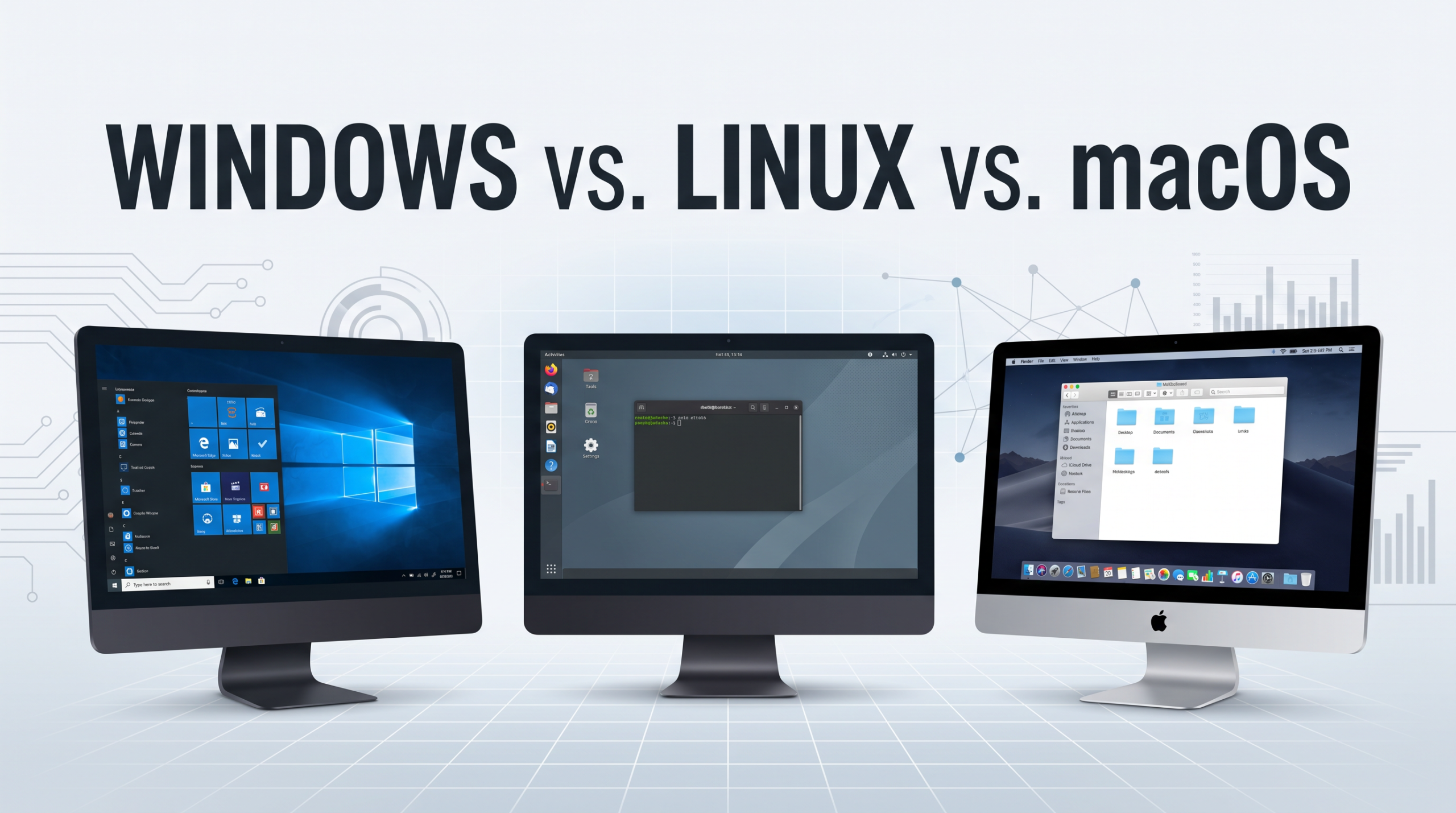
Choosing an operating system is one of the most important decisions when buying or setting up a computer. The operating system controls how you interact with your computer, manages hardware and software, and provides the environment where applications run.
The three operating systems most people encounter are Windows, Linux, and macOS. Each has its own advantages, disadvantages, and ideal users.
Windows is widely used in homes, businesses, schools, and gaming. Linux is known for its flexibility, customization, and popularity among developers and IT professionals. macOS is designed specifically for Apple’s Mac computers and is known for its polished user experience and integration with other Apple devices.
But which one is best?
The answer depends on what you plan to do with your computer.
In this guide, we’ll compare Windows vs. Linux vs. macOS, looking at ease of use, hardware compatibility, software, gaming, security, customization, cost, performance, and more.
What Is an Operating System?
Before comparing the three operating systems, it helps to understand what an operating system actually does.
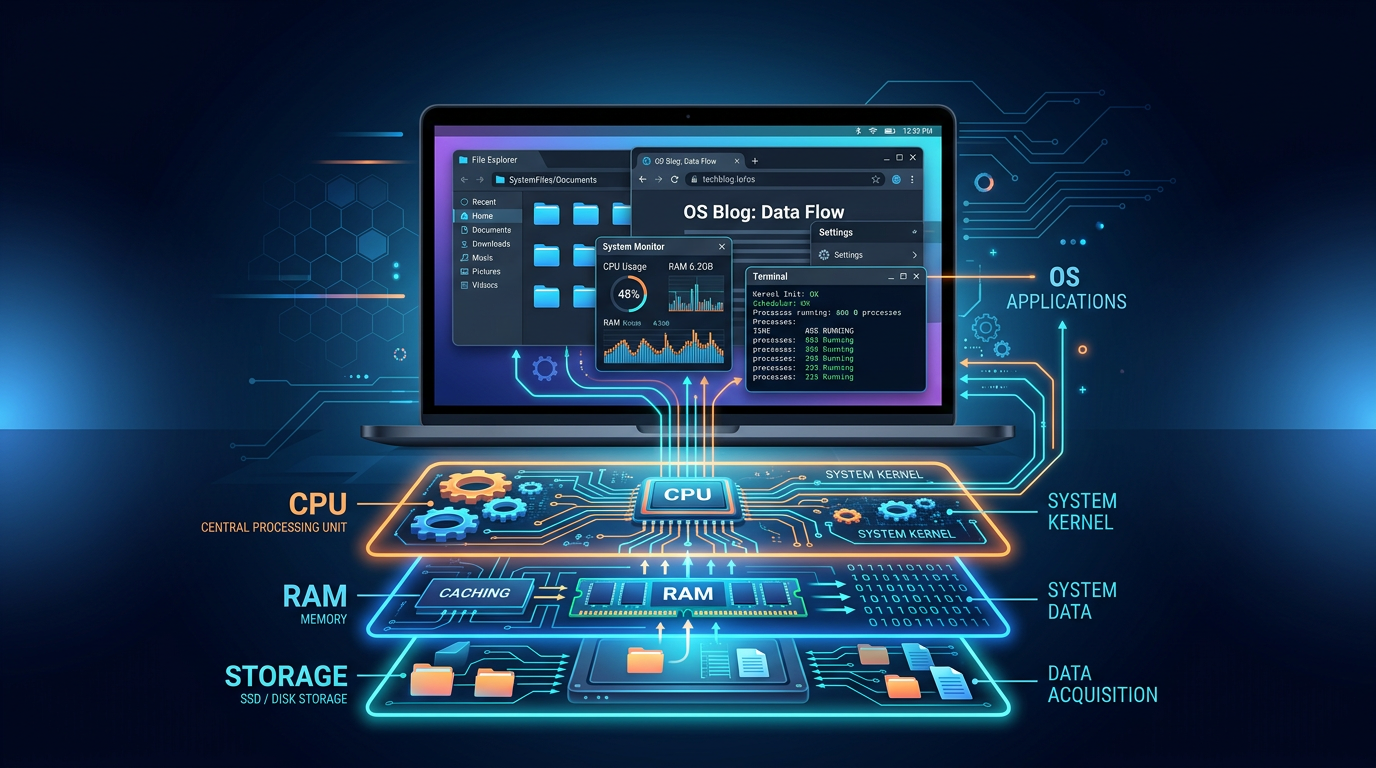
An operating system (OS) is the software that manages a computer’s hardware and provides a platform for applications to run.
When you turn on a computer, the operating system eventually takes control of the system and helps manage components such as:
- Processor
- Memory (RAM)
- Storage
- Keyboard and mouse
- Display
- Network connections
- Printers and other peripherals
The operating system also provides the interface you use to interact with the computer.
For example, when you open a web browser, save a document, install an application, or connect to Wi-Fi, the operating system is involved in making those actions possible.
Windows, Linux, and macOS all perform these basic functions, but they approach them differently.
Windows: Versatile and Widely Supported
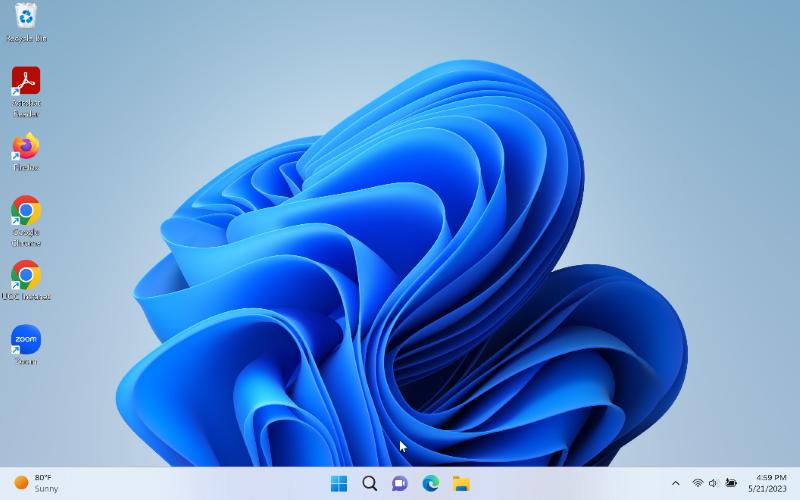
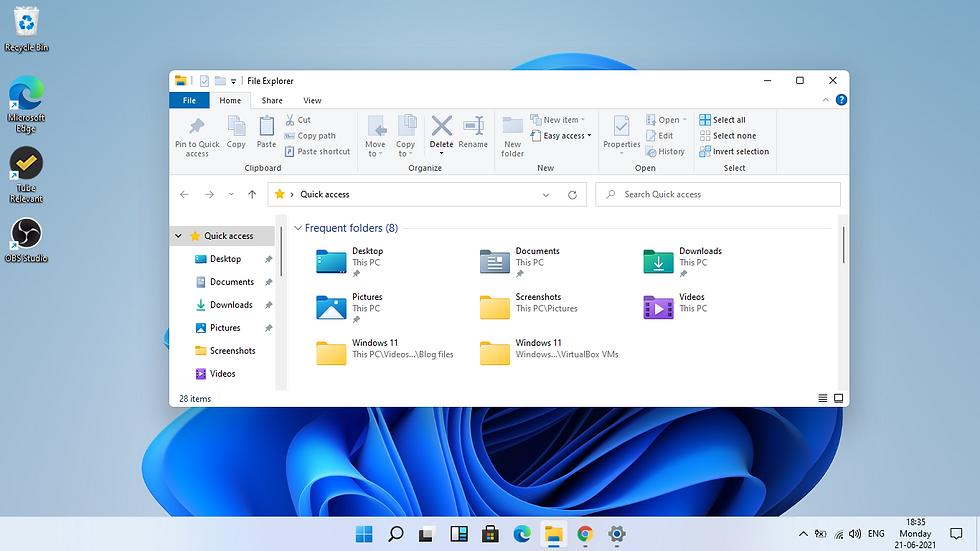
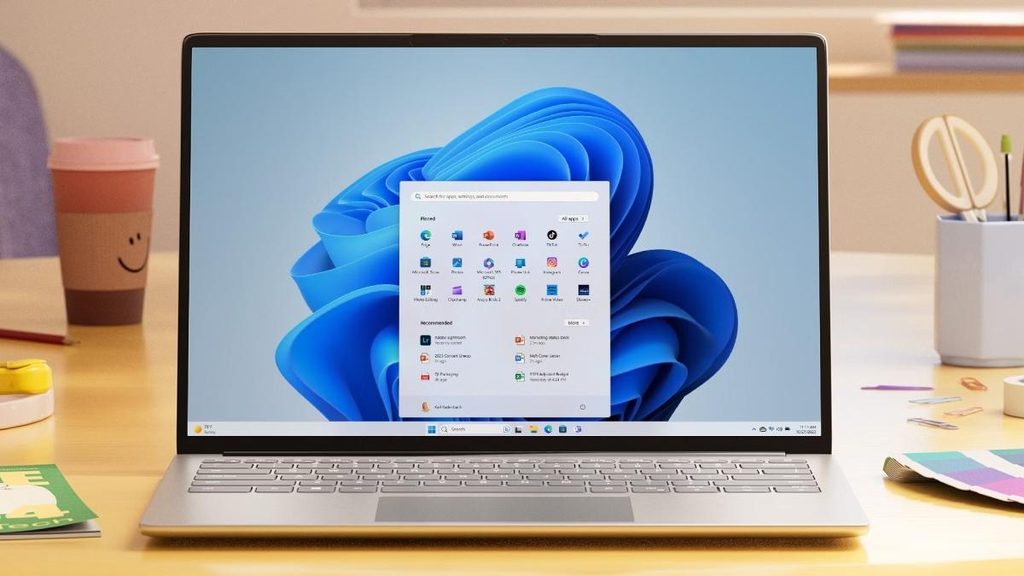
Microsoft Windows is the most familiar operating system for many computer users. It runs on computers from manufacturers such as Dell, HP, Lenovo, ASUS, Acer, and many others.
Windows is used by consumers, businesses, schools, government organizations, and IT professionals.
Advantages of Windows
One of Windows’ biggest advantages is software compatibility.
A huge number of applications are designed specifically for Windows. This includes business applications, productivity software, professional applications, and games.
Windows is also particularly strong for gaming because of its extensive hardware and software support.
Another advantage is hardware selection. Users can choose from thousands of computers at different price points and specifications.
Windows also provides a familiar graphical interface that is relatively easy for beginners to learn.
Disadvantages of Windows
Windows is a commercial operating system, so a license is generally associated with the computer or purchased separately.
Windows also has historically been a major target for malware because of its enormous user base. Modern versions include substantial built-in security protections, but users still need to practice good security habits.
Another consideration is that Windows provides less freedom to modify the underlying operating system than Linux.
Who Should Use Windows?
Windows is a strong choice for:
- Beginners
- Gamers
- Business users
- Students
- People who need specific Windows applications
- Users who want a large selection of computer hardware
For many people, Windows is the easiest all-around choice because of its combination of compatibility, hardware options, and software availability.
Linux: Flexible, Customizable, and Open Source
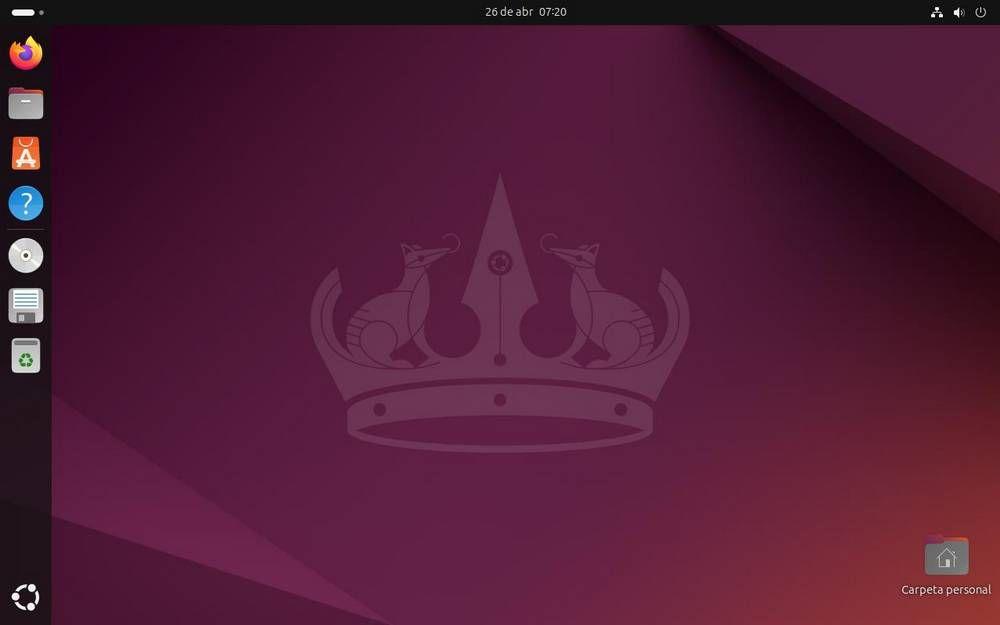
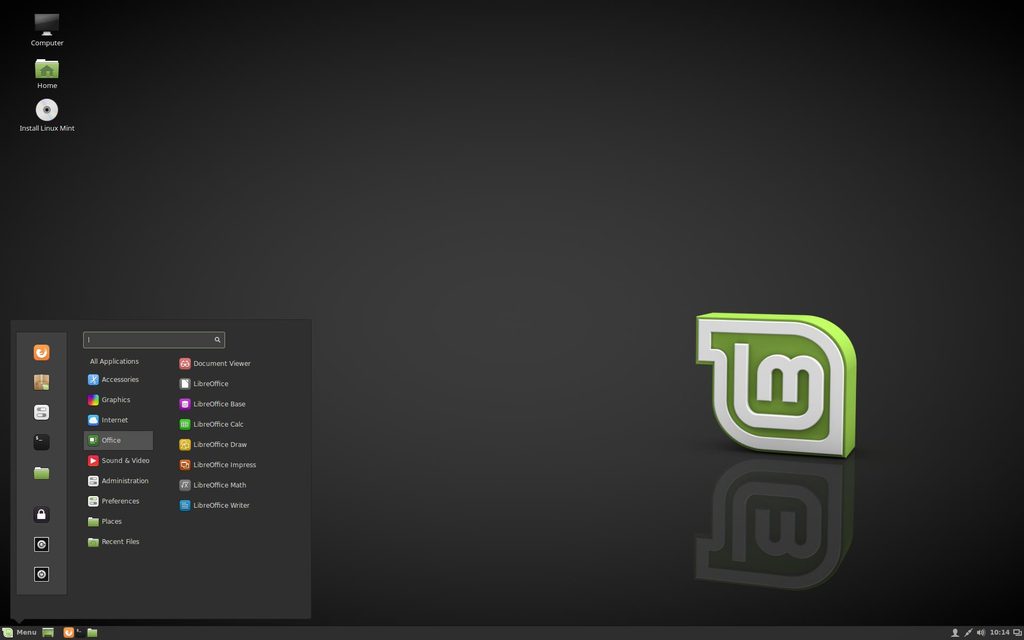
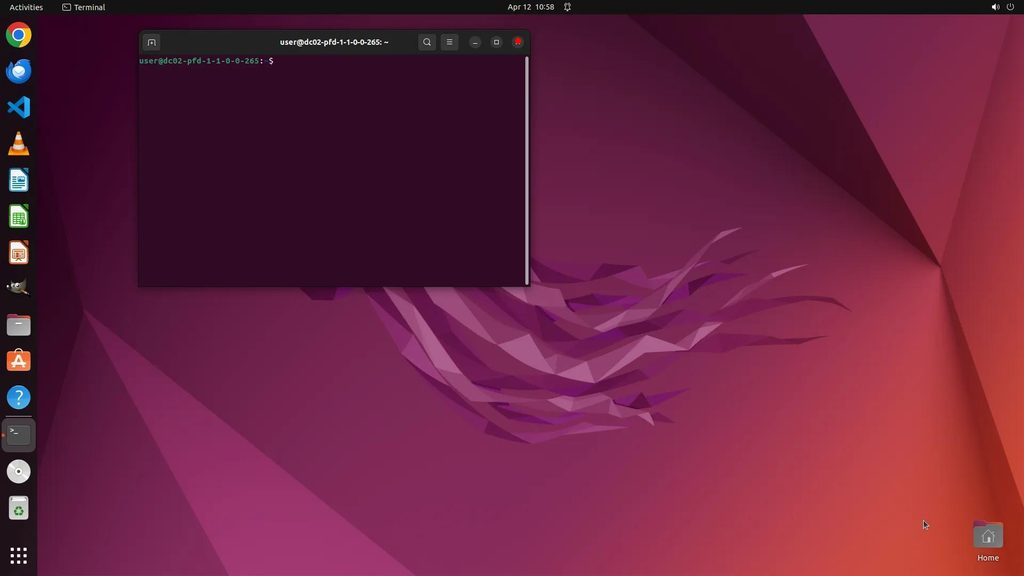
Linux is different from Windows and macOS in several important ways.
Linux is based on the Linux kernel and is available through numerous distributions, commonly called “distros.” Examples include Ubuntu, Fedora, Debian, Linux Mint, and many others.
Different distributions can provide significantly different desktop environments and experiences.
One of Linux’s defining characteristics is its open-source nature. Its source code can be examined, modified, and distributed under its licensing terms.
Advantages of Linux
One of Linux’s biggest advantages is flexibility.
Users can customize many aspects of the operating system, from the desktop environment to system services and applications.
Linux can also run effectively on a wide variety of hardware, including older computers that may struggle with newer versions of other operating systems.
Another major advantage is its popularity among developers, system administrators, cybersecurity professionals, and other IT specialists.
Linux also plays a major role in servers, cloud computing, networking, containers, and other technology environments.
Many Linux distributions are available at no cost.
Disadvantages of Linux
Linux can have a steeper learning curve for beginners, particularly when users move beyond basic desktop tasks.
Although Linux supports a large number of applications, some popular commercial applications are not available in native Linux versions. Users sometimes rely on alternatives, compatibility layers, or virtual machines.
Hardware compatibility has improved significantly, but certain specialized hardware and peripherals may still provide a better experience on Windows or macOS.
Who Should Use Linux?
Linux can be an excellent choice for:
- Developers
- IT professionals
- System administrators
- Cybersecurity students and professionals
- Technology enthusiasts
- Users who want extensive customization
- Users who want a free and open-source operating system
Linux is especially valuable for people who want to understand more about how operating systems and computers work.
macOS: Apple’s Integrated Approach
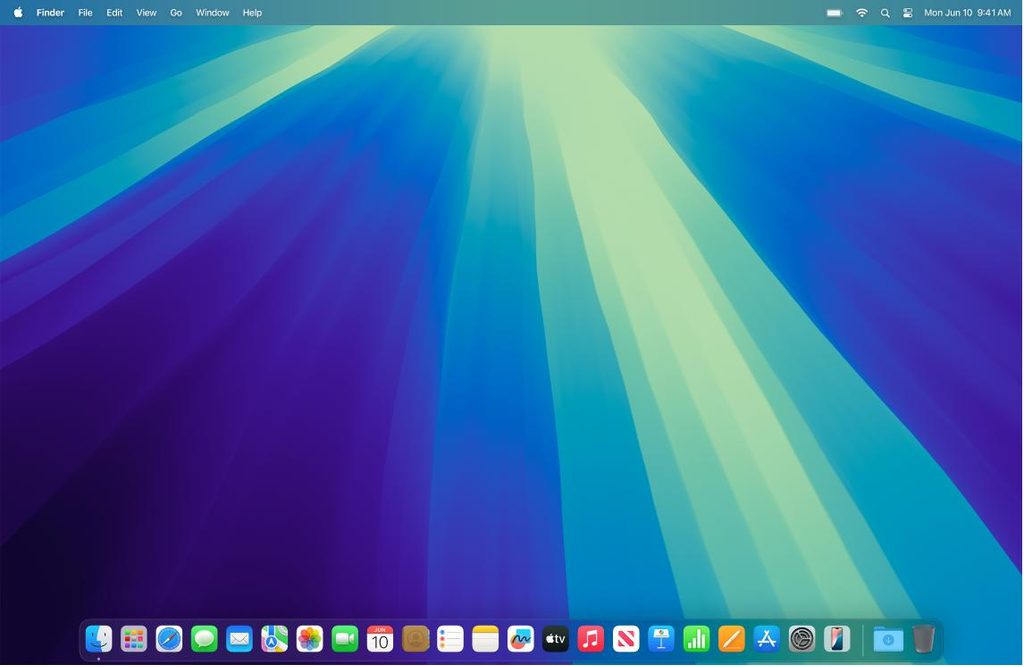
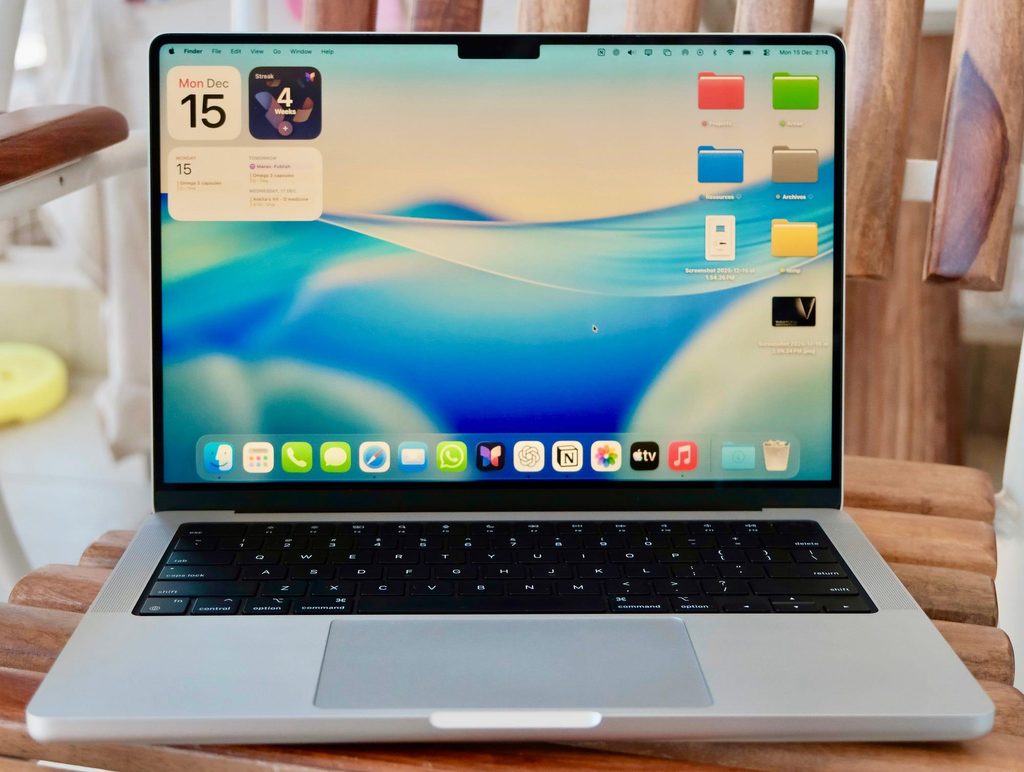
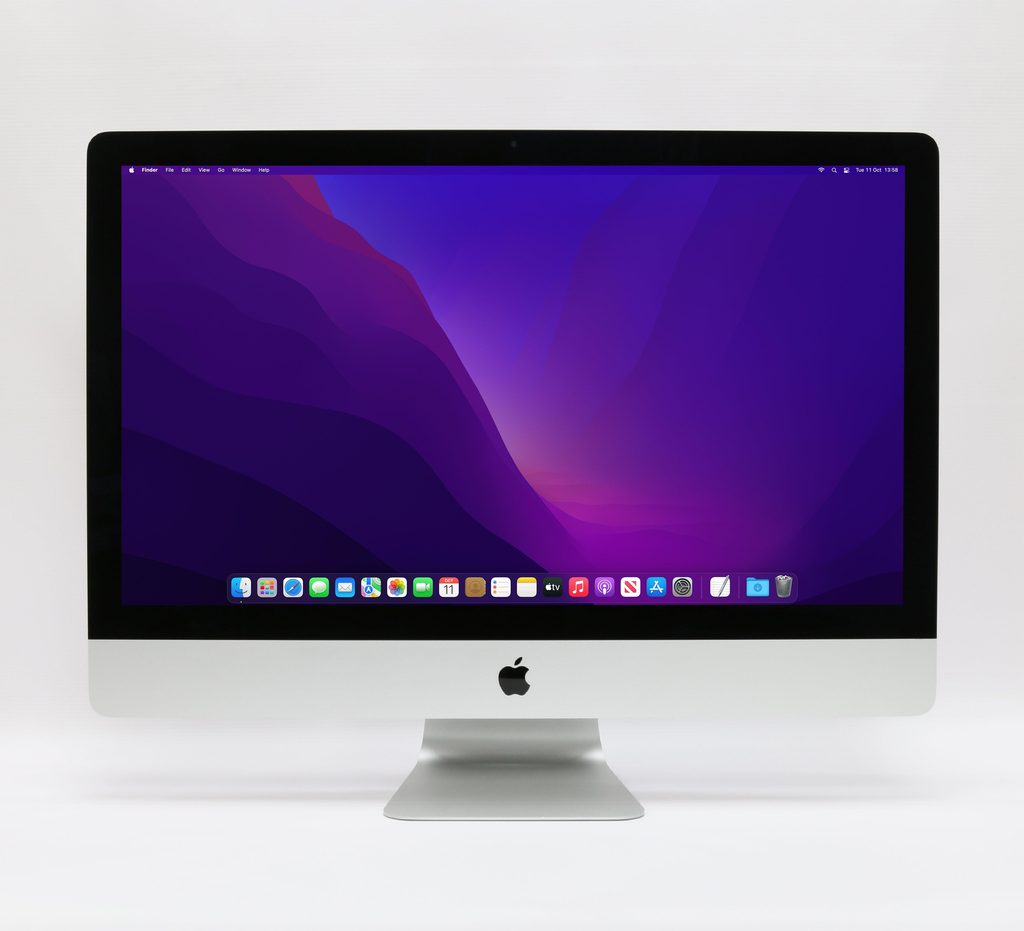
macOS is Apple’s operating system for Mac computers.
Unlike Windows and Linux, macOS is closely tied to Apple’s hardware. You generally don’t install macOS on a computer from another manufacturer.
This hardware and software integration is one of Apple’s biggest advantages.
Advantages of macOS
macOS is known for its polished interface and relatively consistent user experience.
Apple controls both the hardware and operating system, allowing the company to tightly integrate the two.
macOS also works particularly well with other Apple products and services. For someone who already uses an iPhone, iPad, or Apple Watch, features that connect these devices can make the overall experience more convenient.
macOS is also popular among developers, designers, photographers, video professionals, and other creative users.
Disadvantages of macOS
The biggest limitation is hardware choice.
Unlike Windows PCs, you generally cannot choose from thousands of third-party computers and install macOS on them.
Mac computers can also have a higher upfront cost than some Windows PCs.
Gaming is another area where Windows generally has an advantage because of its larger selection of compatible games and gaming hardware.
Who Should Use macOS?
macOS may be a good choice for:
- Apple users
- Creative professionals
- Developers
- Students
- Users who prioritize a polished interface
- People who want strong integration with other Apple devices
Windows vs. Linux vs. macOS: How Do They Compare?
The three operating systems can perform many of the same basic tasks, but they differ significantly in their approach.
| Feature | Windows | Linux | macOS |
| Ease of use | Excellent | Varies | Excellent |
| Hardware selection | Excellent | Excellent | Limited to Apple |
| Software availability | Excellent | Good | Excellent |
| Gaming | Excellent | Good and improving | Limited |
| Customization | Good | Excellent | Limited |
| Security | Strong | Strong | Strong |
| Cost | Usually licensed | Often free | Included with Mac |
| Open source | No | Yes | No |
| Developer friendly | Excellent | Excellent | Excellent |
| Beginner friendly | Yes | Varies | Yes |
Let’s examine some of these differences more closely.
Ease of Use
For beginners, Windows and macOS generally provide the most straightforward desktop experiences.
Windows is familiar to millions of users and is widely used in schools and businesses.
macOS also emphasizes simplicity and consistency.
Linux can be just as easy to use with beginner-friendly distributions such as Linux Mint or Ubuntu. However, Linux provides much more flexibility, which can introduce additional complexity for users who want to customize or troubleshoot their systems.
Best for beginners: Windows or macOS.
Hardware Compatibility
Windows has an enormous advantage when it comes to hardware choices.
You can purchase inexpensive laptops, powerful gaming PCs, business workstations, and specialized systems from many manufacturers.
Linux also runs on a wide variety of hardware, although compatibility should be checked before installing it on a specific computer.
macOS is limited to Apple’s hardware.
Best for hardware choice: Windows.
Software Availability
Windows has one of the largest software ecosystems available for personal computers.
Most popular productivity applications, business software, utilities, and games support Windows.
macOS also has an extensive collection of applications, although some Windows-only applications may require alternatives or other solutions.
Linux has thousands of applications available, particularly open-source software. However, some commercial applications do not have native Linux versions.
Best for overall software compatibility: Windows.
Gaming
Gaming is an area where Windows continues to have a major advantage.
The Windows ecosystem supports a large selection of games, graphics hardware, accessories, and gaming applications.
Linux gaming has improved considerably, and technologies such as compatibility layers have made it possible to run many Windows games on Linux. However, compatibility can vary.
macOS has a smaller gaming ecosystem compared with Windows.
Best for gaming: Windows.
Security
Security is often discussed when comparing operating systems, but the reality is more complicated than saying one OS is simply “secure” and another is “insecure.”
All three operating systems include modern security technologies and require users to follow good security practices.
Security depends on factors such as:
- Software updates
- User permissions
- Application sources
- Password security
- Network configuration
- Security software
- User behavior
Linux is widely used for security-sensitive servers and infrastructure. Windows includes extensive built-in security capabilities and is heavily used in enterprise environments. macOS also incorporates multiple security mechanisms and benefits from Apple’s control over its hardware and software ecosystem.
Best approach: Choose any of the three and maintain it properly.
Customization
This is one of Linux’s biggest strengths.
Linux users can customize the desktop environment, appearance, system behavior, applications, and many other components.
Windows provides some customization options, but users have less control over the underlying operating system.
macOS generally takes a more controlled approach and provides fewer customization options.
Best for customization: Linux.
Performance
Performance depends heavily on the hardware and how the operating system is configured.
A lightweight Linux distribution can breathe new life into older hardware. Windows can perform very well on modern PCs with appropriate hardware. macOS is optimized specifically for Apple’s supported hardware.
Rather than asking which operating system is inherently the fastest, consider the computer’s:
- Processor
- RAM
- Storage
- Graphics hardware
- Drivers
- Applications
- System configuration
Bottom line: There isn’t one universal performance winner.
Which Operating System Is Best for You?
The best operating system depends on what you want to accomplish.
Choose Windows if you:
- Want the widest hardware selection
- Play PC games
- Need Windows-specific applications
- Want broad compatibility
- Use your computer for general-purpose computing
Choose Linux if you:
- Want an open-source operating system
- Enjoy customization
- Want to learn about operating systems
- Work in IT or software development
- Want to experiment with different configurations
- Want to use older hardware
Choose macOS if you:
- Prefer Apple’s ecosystem
- Already use other Apple devices
- Want a polished desktop experience
- Work in creative fields
- Develop software for Apple platforms
Can You Use More Than One Operating System?
You don’t necessarily have to choose only one operating system.
Some users run multiple operating systems on the same computer.
Dual Booting
With dual booting, multiple operating systems are installed on the same computer. When the computer starts, you choose which operating system you want to use.
For example, someone might install Windows and Linux on the same PC.
Virtual Machines
A virtual machine (VM) allows one operating system to run inside another operating system using virtualization software.
For example, a developer using Windows might run a Linux virtual machine for testing.
Virtual machines are particularly useful for IT professionals and students who want to experiment without replacing their primary operating system.
Cloud and Remote Systems
You can also access another operating system remotely through a server, cloud computer, or virtual desktop.
This approach is increasingly common in business and IT environments.
Windows vs. Linux vs. macOS: There Is No Universal Winner
So, which operating system is the best?
There isn’t one answer.
Windows is an excellent all-purpose choice with broad hardware, software, and gaming support.
Linux provides exceptional flexibility and customization while giving users the opportunity to learn more about how computers and operating systems work.
macOS provides a polished experience and strong integration between Apple’s hardware and software.
The best choice depends on your goals.
If you’re a gamer or need broad application compatibility, Windows may be the best option. If you’re interested in technology, programming, or customization, Linux may be worth exploring. If you’re already invested in Apple’s ecosystem or prioritize Apple’s integrated experience, macOS may be the right choice.
The good news is that learning one operating system doesn’t prevent you from learning another. In fact, understanding multiple operating systems can be a valuable skill for anyone interested in technology or an IT career.
Final Thoughts
Windows, Linux, and macOS all provide the fundamental capabilities needed to operate a modern computer, but they take different approaches.
Instead of asking “Which operating system is the best?”, a better question is:
“Which operating system is best for what I need to do?”
Understanding the strengths and limitations of each platform will help you make a more informed decision—and give you a better foundation for exploring the world of information technology.


Comments (0)