

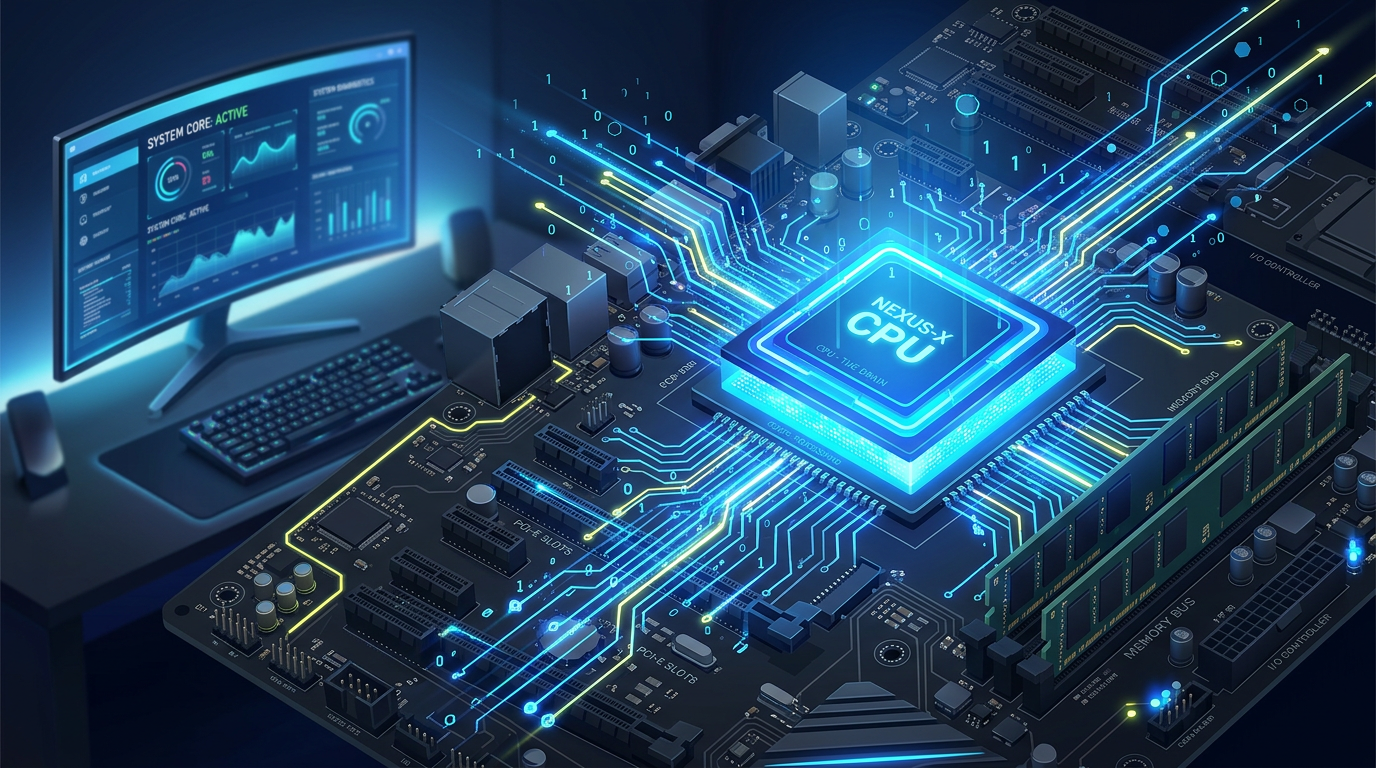
When you use a computer, smartphone, or even a smart TV, there’s one tiny component doing most of the heavy lifting behind the scenes: the CPU. Often called the “brain” of a computer, the CPU is responsible for executing instructions and making everything run smoothly. Whether you’re opening a web browser, playing a game, or sending an email, the CPU is constantly at work. For beginners in IT, understanding the CPU is a key step toward understanding how computers function as a whole.
A Simple Explanation
CPU stands for Central Processing Unit. It is the main processor in a computer that performs calculations and carries out instructions from programs. Think of it like a chef in a kitchen. The recipes (programs) tell the chef what to do, and the chef (CPU) follows those instructions step by step to create a finished dish (the task you want completed).
At its core, the CPU works through a basic cycle known as the fetch-decode-execute cycle:
- Fetch: The CPU retrieves an instruction from memory.
- Decode: It figures out what the instruction means.
- Execute: It carries out the instruction.
This cycle happens incredibly fast, billions of times per second in modern processors.
How the CPU Works
The CPU is made up of several important parts that work together:
- Control Unit (CU): Directs the flow of data and instructions within the CPU.
- Arithmetic Logic Unit (ALU): Handles mathematical calculations and logical operations.
- Registers: Small, fast storage areas inside the CPU that hold data temporarily.
When you click a button on your computer, that action triggers a series of instructions. These instructions are sent to the CPU, which processes them and tells other components (like memory or storage) what to do next.
Modern CPUs often have multiple cores, meaning they can handle multiple tasks at once. A dual-core CPU has two cores, a quad-core has four, and so on. More cores generally mean better multitasking performance.
Real-World Examples
To make this more relatable, let’s look at how the CPU works in everyday situations:
- Opening a Web Browser: When you double-click Chrome or Safari, the CPU processes the instruction to launch the application, load its components into memory, and display it on your screen.
- Playing a Video Game: The CPU calculates player movement, physics, and game logic. While the GPU handles graphics, the CPU ensures everything behaves correctly.
- Streaming Music: The CPU decodes audio files, manages buffering, and ensures smooth playback without interruptions.
- Typing a Document: Every keystroke you make is processed by the CPU, which updates the display in real time.
Even simple tasks involve thousands or millions of instructions being processed almost instantly.
Why the CPU Matters
The CPU is one of the most important components in any computing device. Its performance directly affects how fast and efficiently your system runs.
Here’s why it matters:
- Speed and Performance: A faster CPU can process more instructions per second, making applications run quicker.
- Multitasking: CPUs with more cores and threads can handle multiple applications at once without slowing down.
- User Experience: A good CPU ensures smooth performance, fewer delays, and faster load times.
- Compatibility: Some software requires a certain level of CPU performance to run properly.
For anyone entering IT, understanding CPUs helps with troubleshooting, system building, and performance optimization. For example, if a computer is running slowly, the CPU could be overloaded or outdated.
Key Factors That Affect CPU Performance
Several factors influence how powerful a CPU is:
- Clock Speed (GHz): Indicates how many cycles a CPU can perform per second. Higher usually means faster.
- Number of Cores: More cores allow for better multitasking.
- Cache Size: A small, fast memory inside the CPU that stores frequently used data.
- Architecture: The design and efficiency of the CPU (newer architectures are usually more efficient).
It’s important to note that higher numbers don’t always mean better performance—efficiency and design also play a big role.
CPU vs. Other Components
Beginners often confuse the CPU with other parts of a computer:
- The CPU processes instructions.
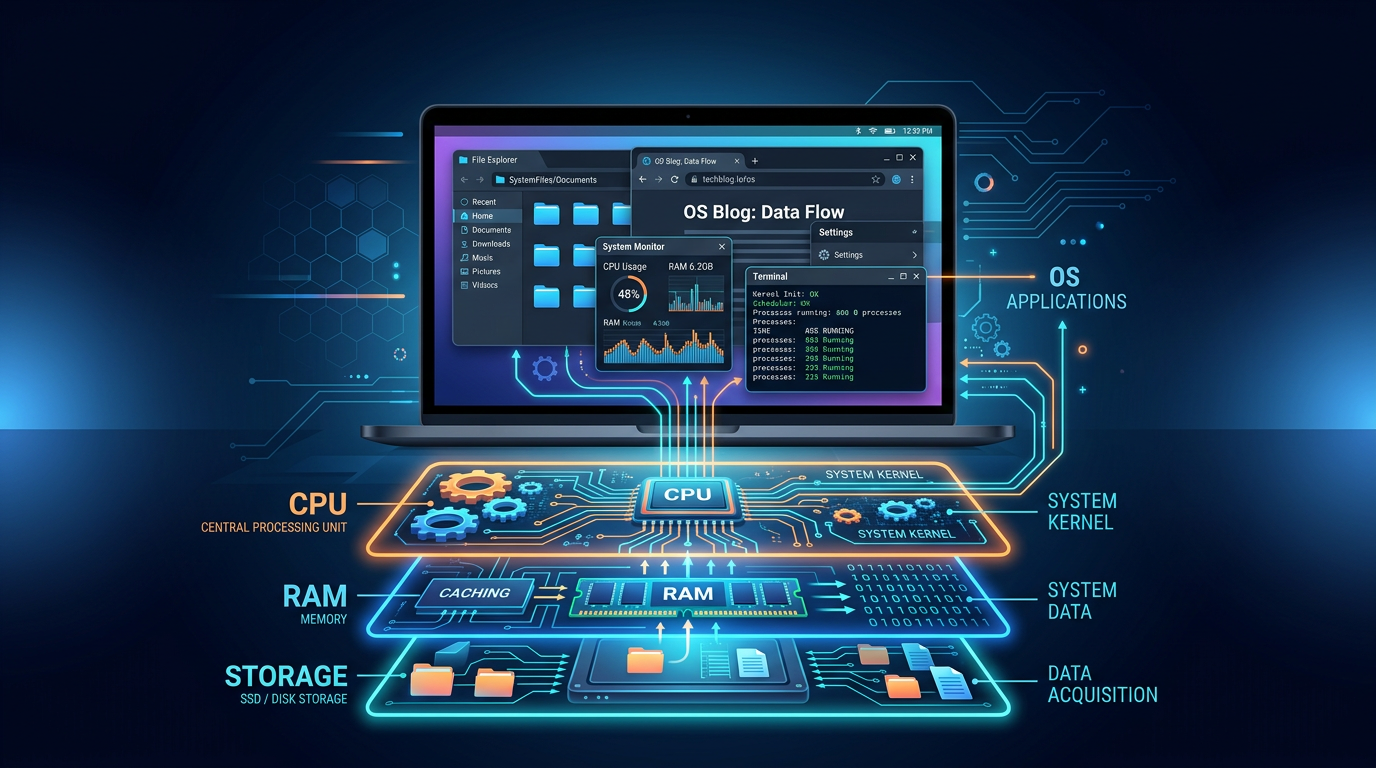
- The RAM temporarily stores data the CPU needs.
- The Storage (SSD/HDD) holds long-term data.
- The GPU handles graphics and visual processing.
All these components work together, but the CPU acts as the central coordinator.
Key Terms to Know
- CPU (Central Processing Unit) – The main processor of a computer
- Core – An individual processing unit within the CPU
- Thread – A sequence of instructions a CPU core can handle
- Clock Speed (GHz) – How fast the CPU processes instructions
- Cache – Small, high-speed memory inside the CPU
- ALU (Arithmetic Logic Unit) – Performs calculations and logic operations
- Control Unit (CU) – Directs CPU operations
- Registers – Temporary storage locations inside the CPU
- Fetch-Decode-Execute Cycle – The basic process of how a CPU works
- Multitasking – Running multiple programs at once
Final Thoughts
The CPU truly is the heart of any computing device. While it operates behind the scenes, its impact is visible in everything you do on a computer. For beginners in IT, understanding how a CPU works lays the foundation for learning about operating systems, programming, and hardware troubleshooting.
Once you grasp the basics, you’ll start to see computers less as mysterious machines and more as logical systems working step by step—one instruction at a time. And at the center of it all is the CPU, tirelessly processing billions of instructions every second to keep everything running smoothly.






Comments (0)